
Pick a puzzle, choose your level, and use hints when you get stuck.
How to play
- 1
Choose a game
Pick any of the 14 modes, or open today's daily puzzle.
- 2
Select a level
From Easy up to Expert or Master (varies by mode).
EasyMediumHardExpertMaster - 3
Use hints
A gentle nudge, then the step explained, then the answer.
NudgeExplainReveal - 4
Build progress
Keep your streak, track your stats and unlock achievements.
🔥
🎮 See It in Action
Real Gameplay Experience
Swipe through real screens from the app.
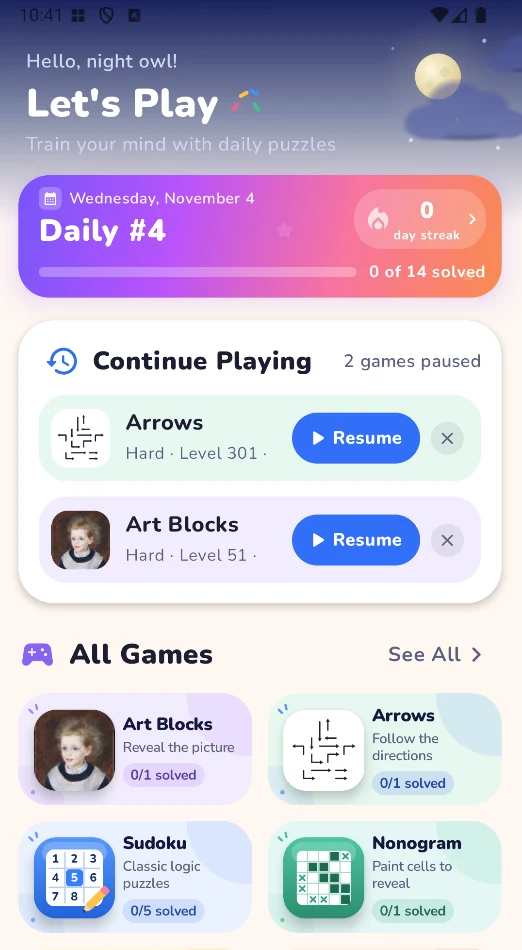
Today
Your daily puzzles
Every mode gets a new daily puzzle. Paused games wait for you under Continue Playing.
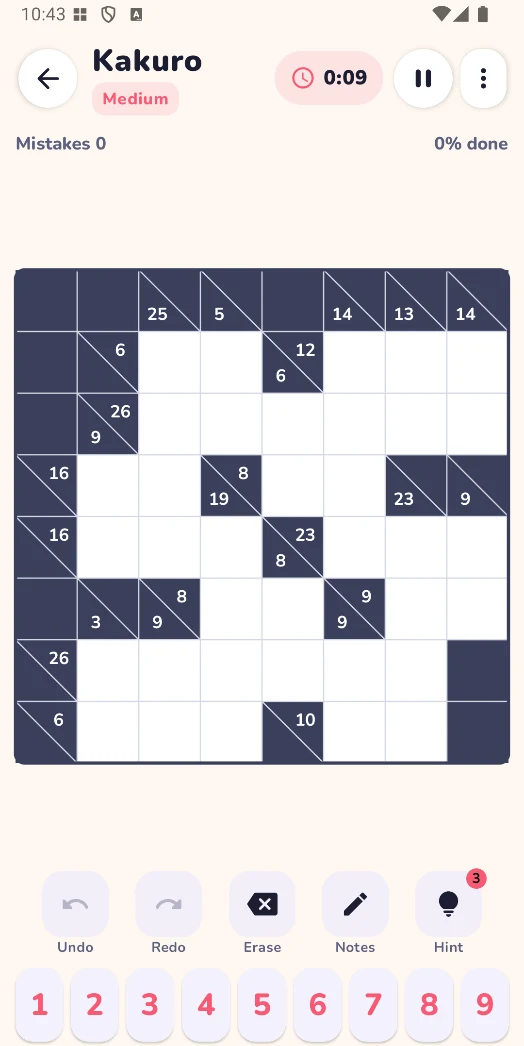
Kakuro
Number puzzles, made comfortable
Pencil notes, undo and redo, erase — and hints when you need them.
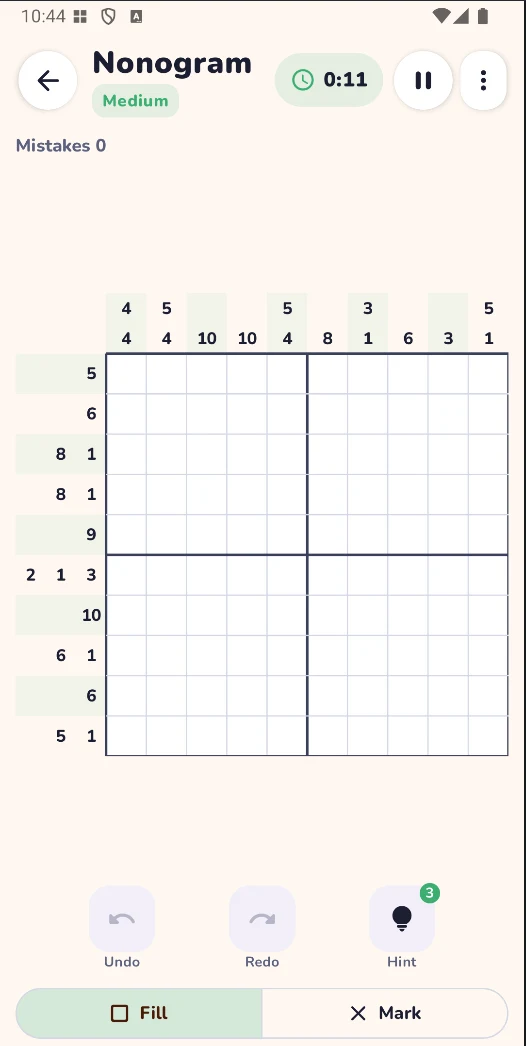
Nonogram
Picture logic
Fill or mark cells from the row and column clues until the picture appears.
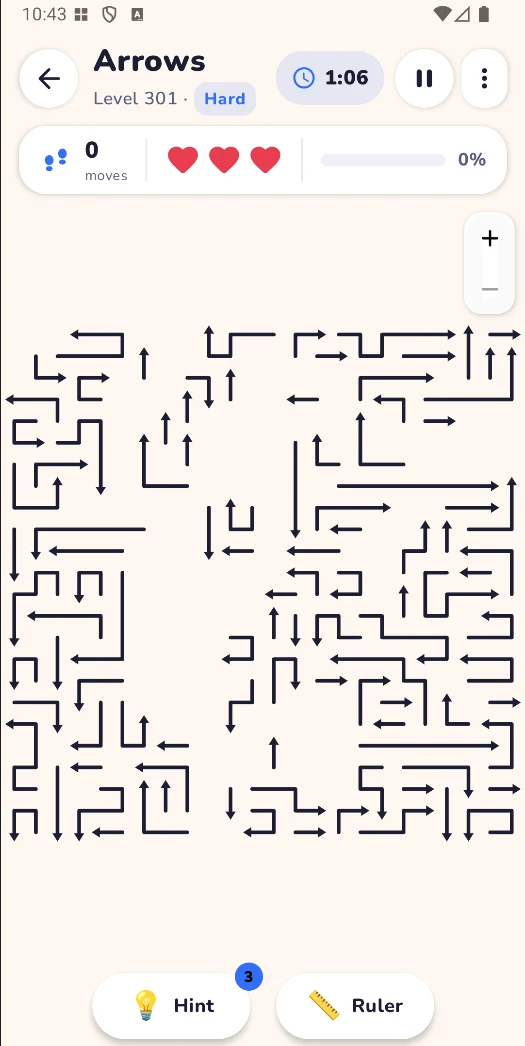
Arrows
Clear the board
Slide arrows off the board one at a time. The ruler shows which paths are clear.
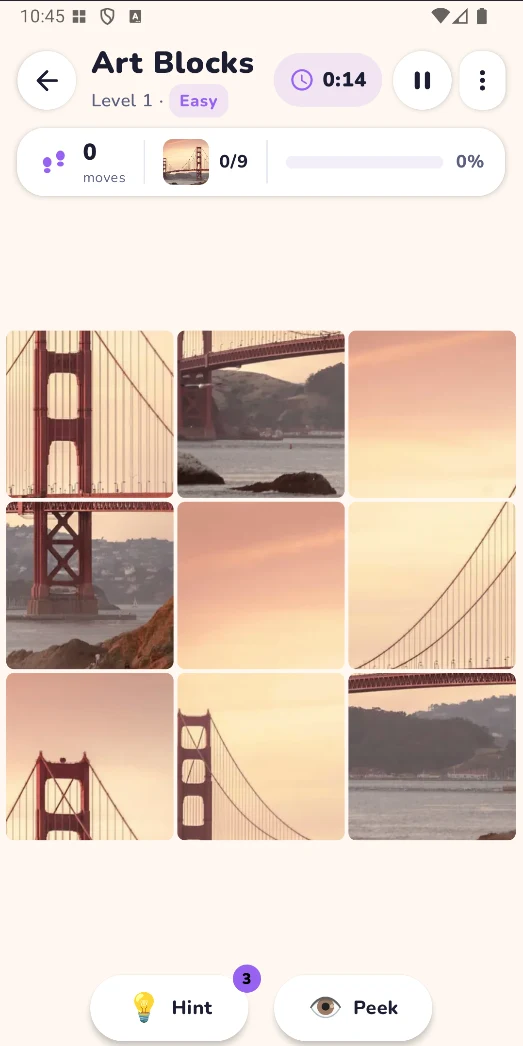
Art Blocks
Restore the picture
Swap tiles until the image is complete — peek at the original if you get stuck.
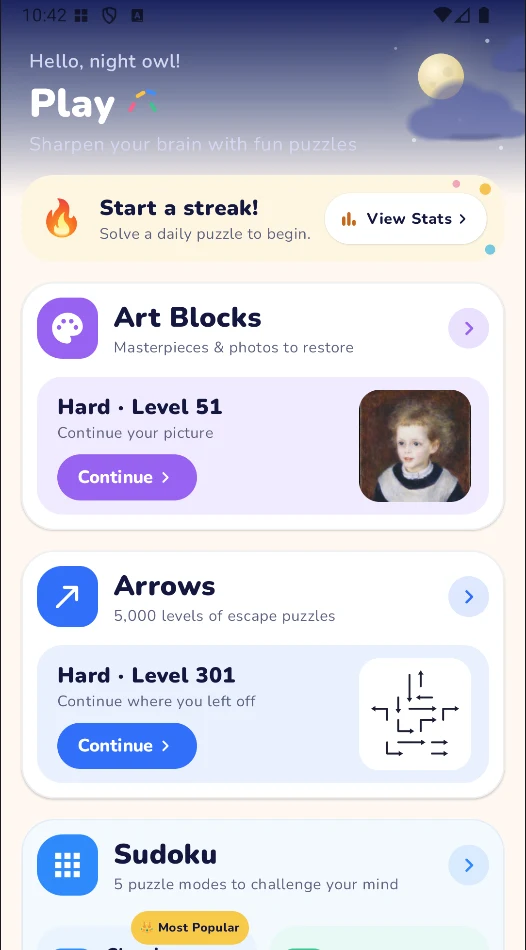
Play
Everything in one place
Browse all categories and continue exactly where you left off.

Train your mind with daily puzzles
Free on Android · No account needed